
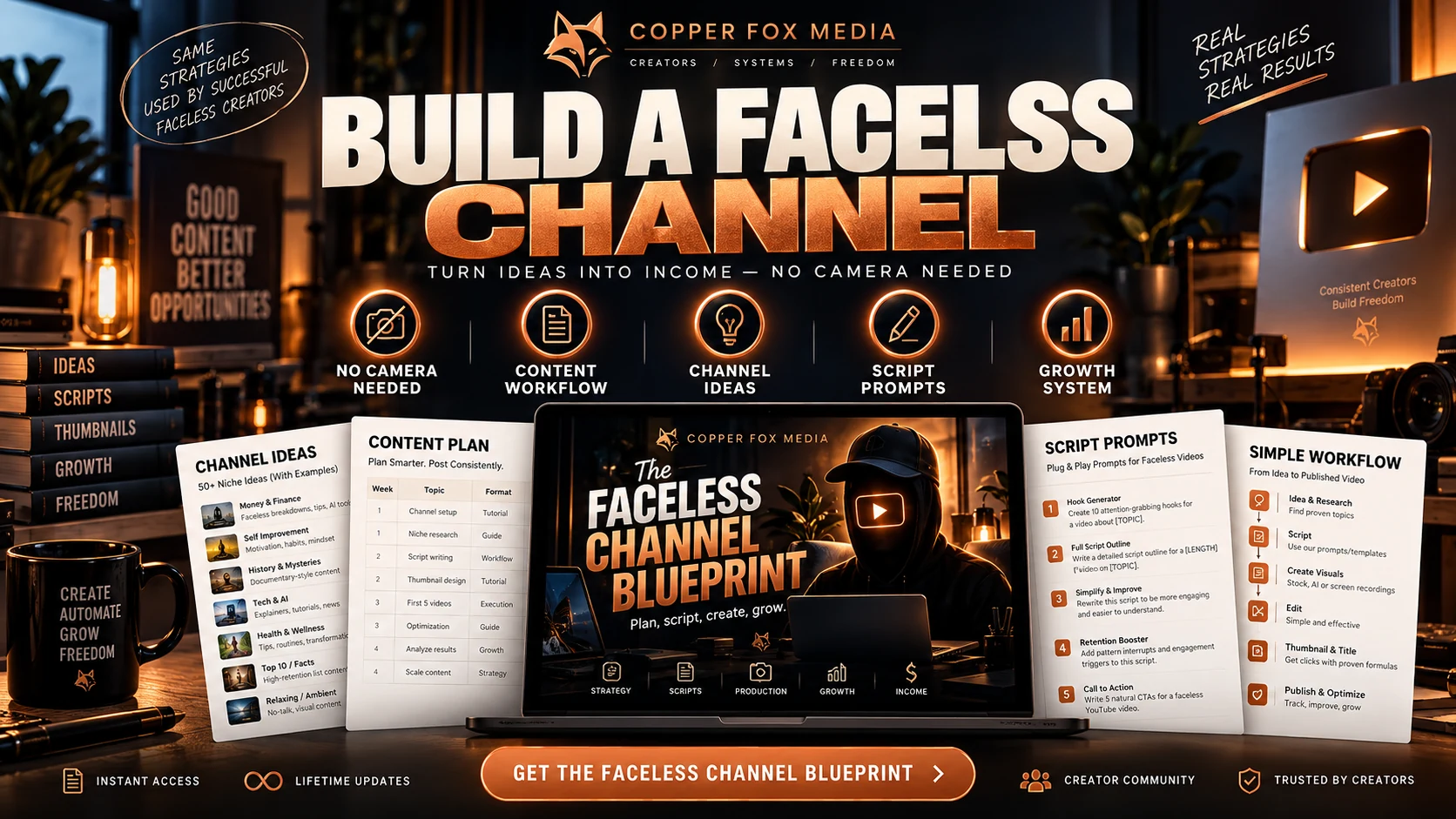
Faceless production guide
The Faceless Channel
Plan the research, script, voice, visuals, edit and publishing process in one place.
One-time purchase · instant digital access · five-day refund request window
Relevant current information reviewed: September 2026
Best for you if
- You want a no-camera channel with an original production process.
- Research, scripts, visuals and editing feel disconnected.
- You need a review step before every upload.
What you’ll finish with
- 01A channel position
- 02A production workflow
- 03Script and publishing checklists
What you get
The pages that move the work forward.
Build a repeatable video publishing system without appearing on camera.
A channel position
A production workflow
Script and publishing checklists
Inside the guide
See the actual pages.
These pages come from current product files—not decorative mockups.
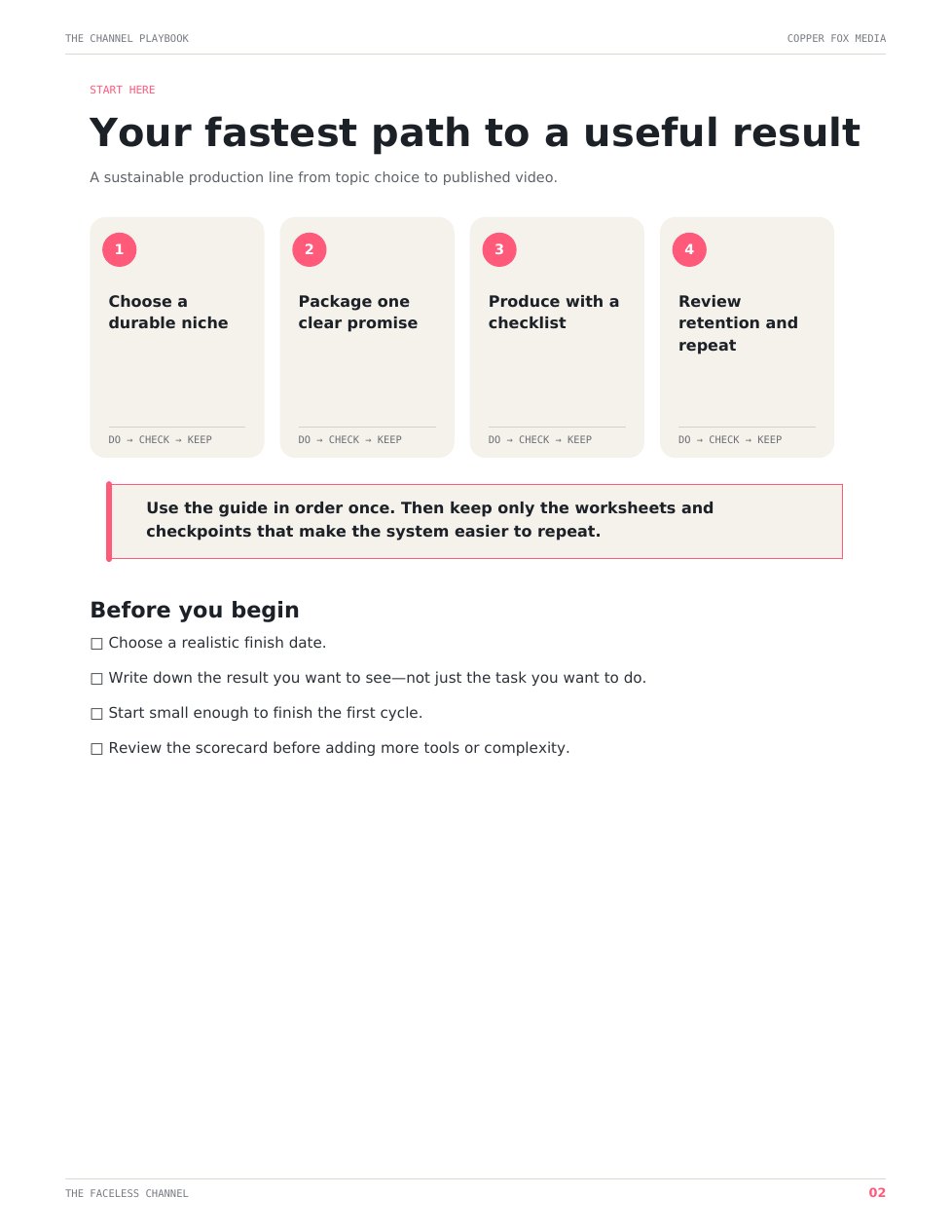
See the end-to-end production workflow
How to use it
A useful boundary
Who this is not for
Not for copied compilations, guaranteed monetization or fully automated channels.
Your next logical step
Want the complete path?
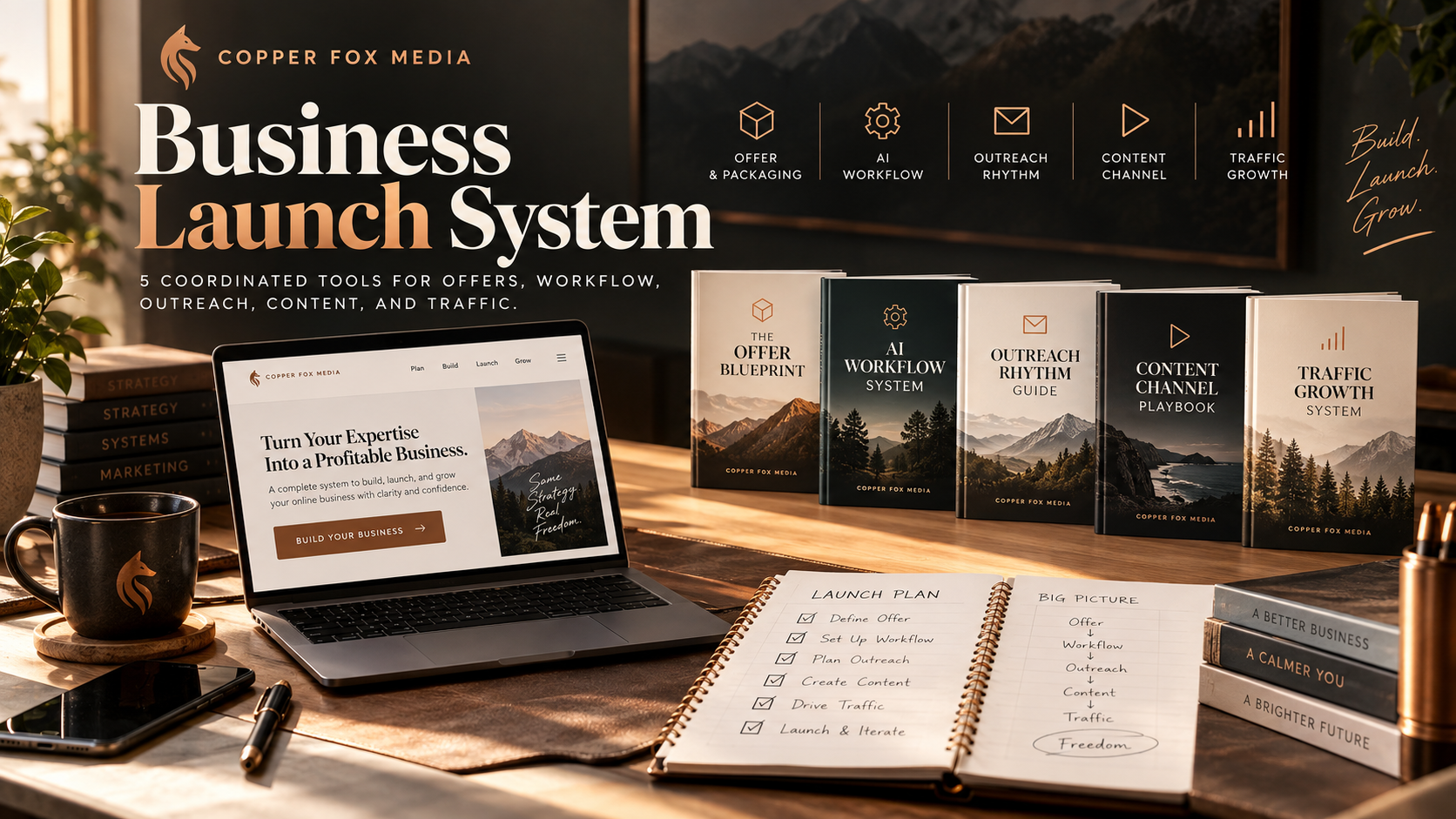
Complete path
Business Launch System
$9.99
Questions about this guide
Before you choose.
Do I need to show my face?+
No. The workflow is built for faceless formats.
Do I need AI voice software?+
No. You can use your own voice, licensed narration or an appropriate tool.
Can faceless channels monetize?+
They may qualify when they meet current platform rules; approval and revenue are not guaranteed.
How do I receive it?+
Whop provides access after the order is confirmed. The product also appears in your Whop purchases.
Is this a subscription?+
No. It is a one-time purchase with no recurring charge.
Can I print it or use it digitally?+
Yes. Use a current PDF reader or print the pages you need for personal use.
What is the refund process?+
You may request a refund within five days through Whop. Requests are reviewed and are not automatically approved.