
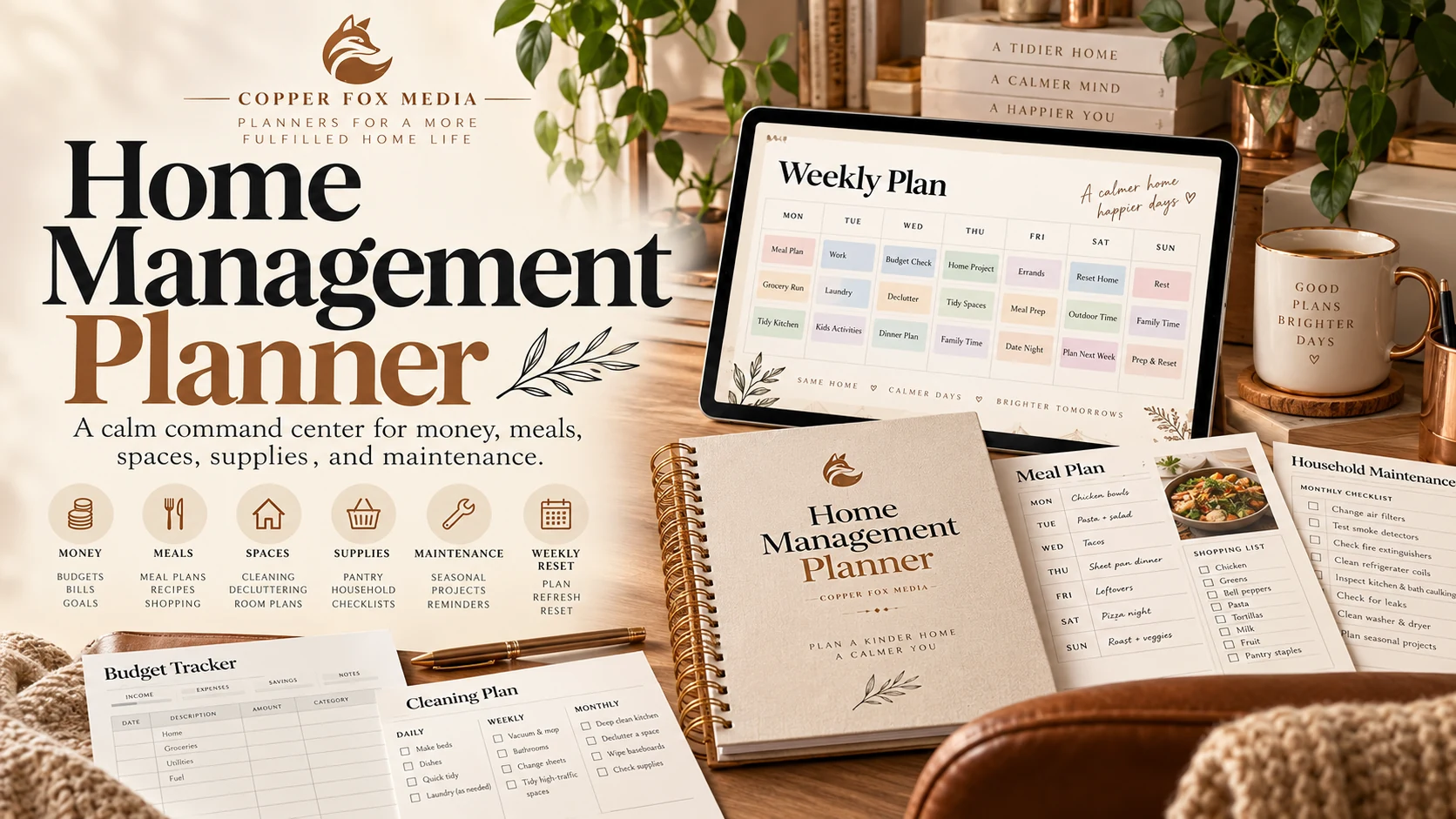
Verified household planner
Home Management Planner
Build one calm household command centre with owners, backups, evidence and clear escalation for safety or repairs.
One-time purchase · instant digital access · five-day refund request window
Relevant current information reviewed: September 2026
Best for you if
- Household work is spread across notes, apps and memory.
- Owners and backups are unclear.
- You want bills, meals, supplies and maintenance in one weekly view.
What you’ll finish with
- 01A household operating picture
- 02Owner and backup assignments
- 03Weekly command and evidence reviews
- 04Meal, supply and maintenance records
- 05Seasonal safety and emergency checks
What you get
The pages that move the work forward.
Assign household work, protect essentials, and review bills, meals, supplies and maintenance from one place.
A household operating picture
Owner and backup assignments
Weekly command and evidence reviews
Meal, supply and maintenance records
Seasonal safety and emergency checks
Inside the guide
See the actual pages.
These pages come from current product files—not decorative mockups.
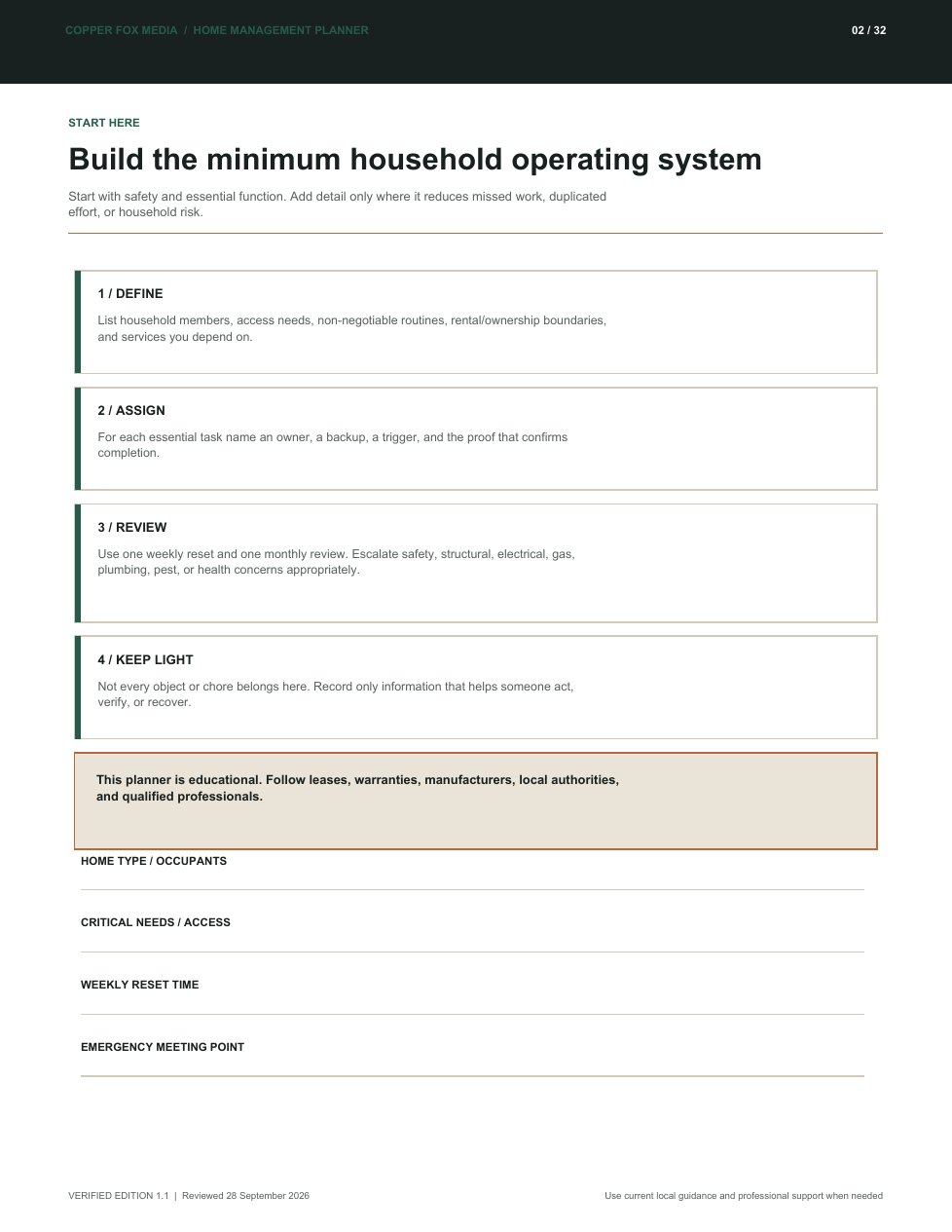
See the whole household week in one place
How to use it
A useful boundary
Who this is not for
Not emergency, financial, medical, housing, food-safety or qualified trade advice.
Your next logical step
Want the complete Life & Home system?

Complete path
Life & Home System
$9.99
Questions about this guide
Before you choose.
Can more than one person use it?+
Yes. The verified edition includes clear owner, backup and handoff fields for shared household use.
Is it dated?+
No. Reuse the weekly pages and run the evidence review at the end of each cycle.
Does it include home-safety guidance?+
Yes. It links to current official preparedness, fire, carbon-monoxide, recall, moisture and food-safety sources, while clearly directing urgent or specialist work to the right authority.
Can I use it in a rented home?+
Yes. Record lease and landlord responsibilities, and do not attempt work outside your authority or skill.
Can I annotate it digitally?+
Yes, with a PDF app that supports notes or drawing, or print it.
How do I receive it?+
Whop provides access after the order is confirmed. The product also appears in your Whop purchases.
Is this a subscription?+
No. It is a one-time purchase with no recurring charge.
Can I print it or use it digitally?+
Yes. Use a current PDF reader or print the pages you need for personal use.
What is the refund process?+
You may request a refund within five days through Whop. Requests are reviewed and are not automatically approved.